Component 1 of my AR/VR addendum, the VR immersive hazard simulation asks a new electrician to put on a headset and rehearse a pre-task hazard check on a simulated energized panel. That’s a great use of immersive hardware, but it’s also expensive per session, which means headset time shouldn’t be spent teaching someone the sequence of a hazard check for the first time. So, I built the piece that belongs in front of it: Pre-Task Hazard ID(Identification), a browser-based interactive branching scenario that trains the same four-step sequence : verify lockout/tagout, confirm zero energy with a live-dead-live test, match PPE to the panel’s arc-flash label, and establish a work boundary, before a trainee ever touches the headset.
Given a realistic pre-task scenario, the trainee will be able to:
- Verify lockout/tagout — confirm the panel is locked out and tagged before treating it as de-energized.
- Confirm zero energy — apply the live-dead-live method with a rated voltage tester rather than assuming the LOTO alone is sufficient.
- Select PPE from the arc-flash label — match PPE to the panel’s posted incident-energy category rather than a generic or habitual PPE level.
- Establish the work boundary — set the restricted approach boundary, confirm lighting, and identify an escape path before starting work.
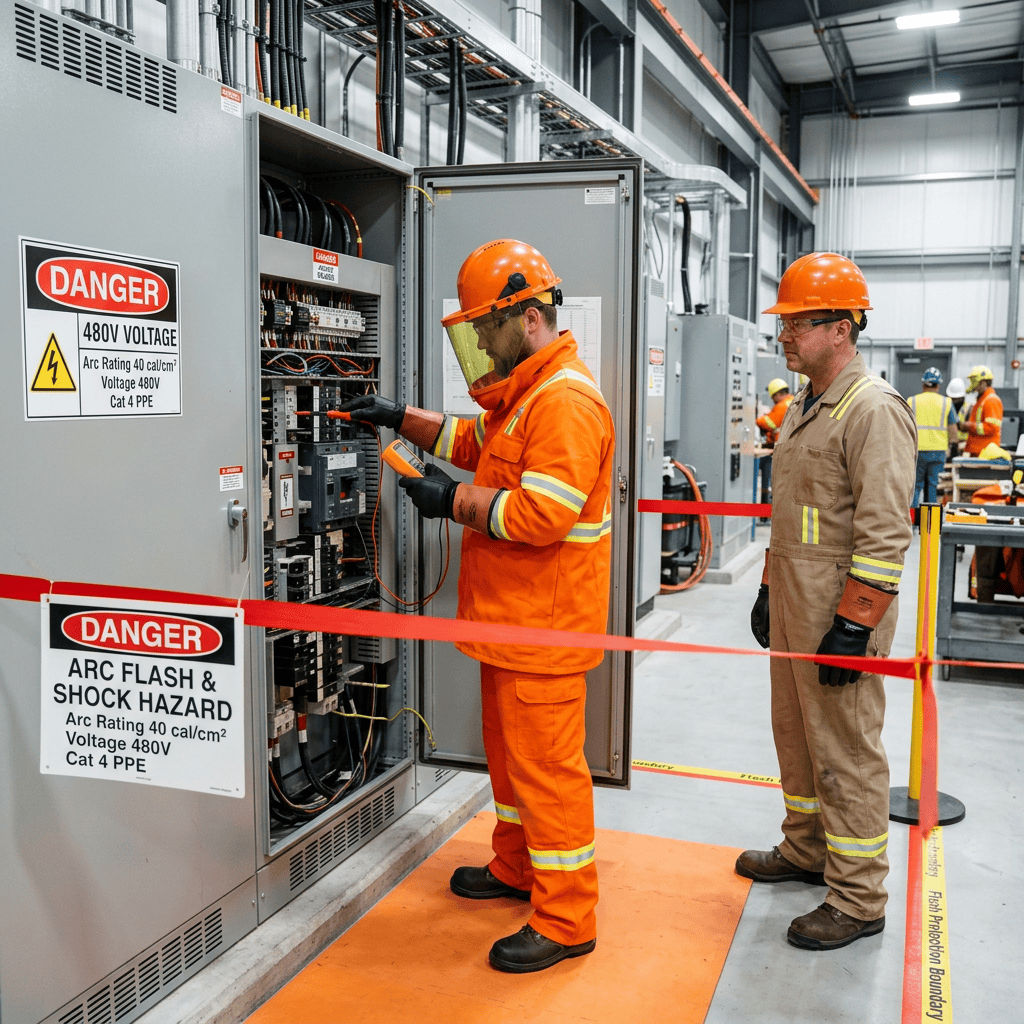
The learning objective is narrow and testable: given a realistic pre-task scenario, the trainee selects the correct next action at each of four decision points, in the correct order, matching NFPA 70E-aligned procedure. Each node presents a short situation, three choices, and immediate feedback. A correct choice explains why it’s correct and advances the trainee; an incorrect one explains the specific risk in that reasoning and lets the trainee try the node again rather than just marking it wrong and moving on. That retry-on-miss structure is what makes it a learning object and not a quiz: Santos et al. (2022) describe learning objects as resources built around a well-defined outcome with the interactivity built in to support that outcome, not decoration around static content, and the branching logic here is the entire instructional strategy, not an add-on to it.
It’s interactive in the way that matters for procedural training, every choice has a consequence, not just a right/wrong flag. It’s accessible by construction: real semantic buttons rather than clickable divs, visible keyboard focus states, an ARIA live region that announces feedback to screen readers, and correctness signaled by an icon and text label alongside color so it doesn’t depend on color perception. It’s reusable in the literal sense the assignment asks about: the four scenario nodes live in one JavaScript object at the top of the file, so a safety trainer can swap in a new hazard sequence. a confined-space entry check, a fall-protection check without touching the layout, styling, or interaction logic at all.
I looked at H5P’s Branching Scenario tool, Twine, and Genially before deciding how to build this, weighing the criteria O’Donovan (2021) lays out for choosing an authoring tool, cost, hosting control, and how well the output survives outside the vendor’s own platform. All three would have worked, but each locks the output to a specific export format or hosting account. Building it directly in HTML, CSS, and JavaScript means it drops into Cornerstone OnDemand as a single linked page, a WordPress post, or any LMS with zero conversion, which mattered more to me than any authoring convenience, especially since Pribadi et al. (2024) found that the engagement gains from electrical safety training come from the interaction itself, not from which platform delivers it.
You can run it yourself here: Pre-Task Hazard ID. No login or install: open the link, work through the four nodes, and you’ll land on a completion screen summarizing the sequence. I’d welcome feedback on the wording of any of the incorrect-choice explanations before I put this in front of an actual cohort.


References
O’Donovan, L. (2021, September 7). 8 considerations for selecting e-learning content authoring tools. Firmwater LMS. https://firmwater.com/content-authoring-tools/
Pribadi, A. P., Rahman, Y. M. R., & Silalahi, C. D. A. (2024). Analysis of the effectiveness and user experience of employing virtual reality to enhance the efficacy of occupational safety and health learning for electrical workers and graduate students. Heliyon, 10(15), Article e34918. https://doi.org/10.1016/j.heliyon.2024.e34918
Santos, A. I., Costa, A. C., Botelho, A. Z., Parente, M. I., Cascalho, J., Freitas, D., Behr, A., Rodrigues, A., & Mendes, A. B. (2022). Learning objects in the educational context: The perspective of teachers in the Azores. Education Sciences, 12(5). https://doi.org/10.3390/educsci12050309


Leave a comment